How to Keep a Digital Service Record for Your Car
A digital service record is your car’s maintenance history stored as data and photographs rather than a stamped book and a carrier bag of receipts. To keep one properly you need three things: every invoice captured, the date and mileage on each one readable, and the whole lot in one place you can hand to a buyer. You can build it in an evening from the paperwork you already own, then top it up after each service.
Here’s how to do it, from shoebox to shareable record.
What a digital service record actually holds
A photo of a receipt on your phone is a start, not a record. What makes it useful later is the detail attached to it:
- Date and mileage for every job — this is what proves the servicing was on schedule.
- Who did the work — franchised dealer, independent garage, or you on the driveway.
- What was done and what it cost — line items, parts, labour.
- The big-ticket proof — cambelt and water pump, clutch, DPF, any major repair.
- The car’s own data — MOT results, advisories and DVLA details alongside the servicing.
Get those five things captured and you can answer any question a buyer asks without hunting for a bit of paper.
Step one — round up the paper you already have
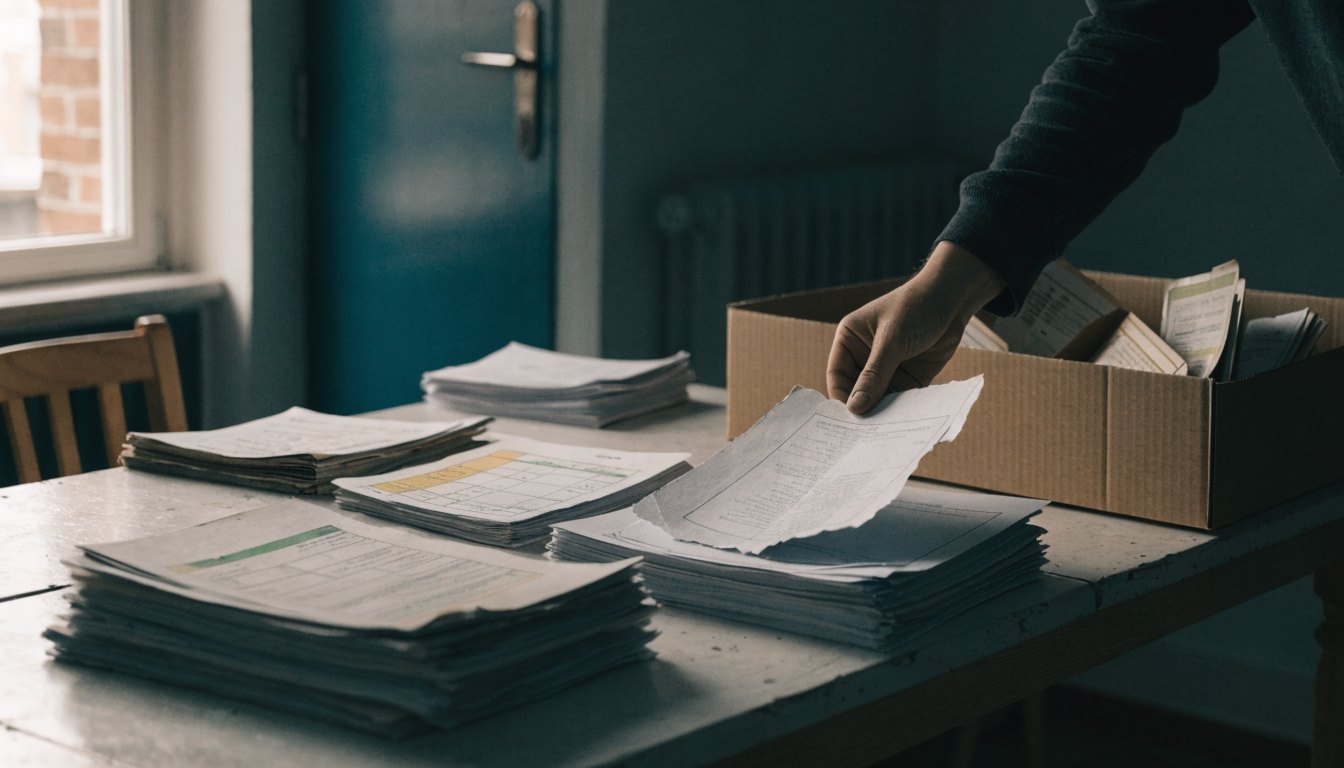
Before you organise anything, collect it. Give yourself half an hour and go through:

- The service book — every stamp, including the blank pages.
- The receipts — glovebox, kitchen drawer, the shoebox, the loft.
- Email — search your inbox for the garage’s name, “invoice” and “MOT”.
- Tyres, batteries and exhausts — fast-fit receipts count and are usually the ones that go missing.
- Your own work — parts orders, and any photos you took while doing the job.
Lay it all out and sort it oldest to newest. Gaps will be obvious straight away, and gaps are useful information.
Step two — get it into one place
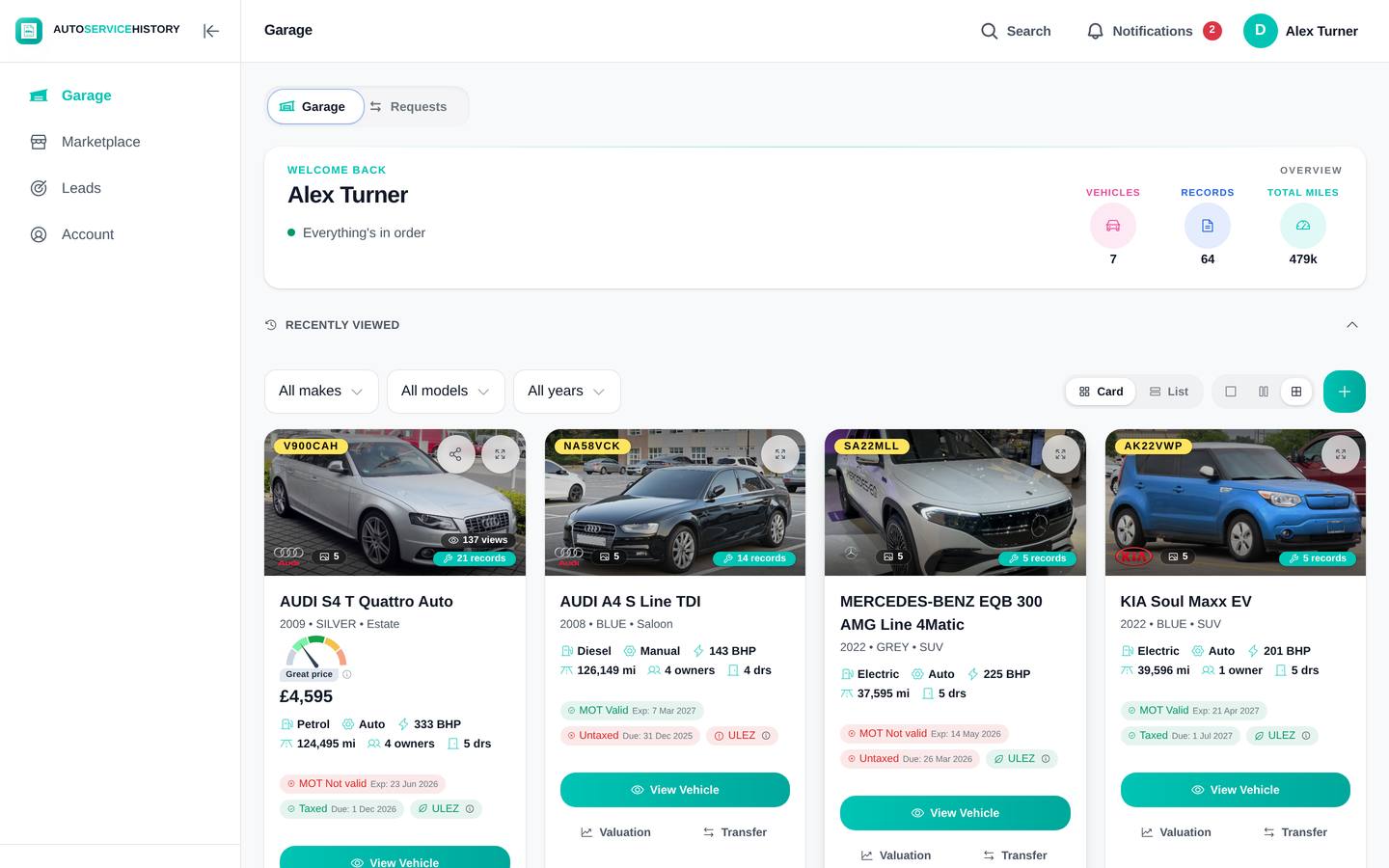
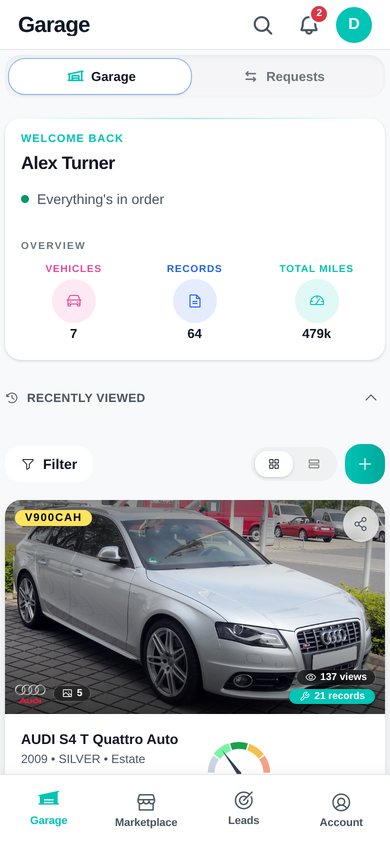
Now capture it. On AutoServiceHistory you photograph each receipt and the AI reads it — pulling out the line items, the costs and the mileage, and grouping everything by year. No typing, no spreadsheet.
Two things happen automatically once the car is on there. Its DVLA and MOT data are pulled in, so the mileage trail sits next to the servicing rather than on a separate website. And personal details on your uploads — your address, your phone number — are detected and blurred on the copy you share, while the original stays encrypted. You can see how the whole thing fits together on the features page.
Start with the most recent five years. Older paperwork can follow.
Step three — fill the gaps and keep it current
Missing years are the normal case, not a failure. If the car was serviced by a main dealer, you can request the manufacturer’s records — they typically come back within hours and slot into the timeline alongside everything else.
For DIY work, log it yourself: date, mileage, parts and a photo of the job. That is worth far more to a buyer than nothing at all.
Then keep it going. Photograph the invoice on the garage forecourt before it reaches the glovebox, and the record stays current with about a minute of effort a year. It’s free to keep a car on there with no time limit and no card, and you can start your record now with the receipts you’ve just dug out.
What the record does when it’s time to sell
The tidy-up is worth doing for its own sake, but the payoff comes when someone asks you to prove the car’s been looked after.
Because the record lives at a link rather than in a folder, you can just send it. The buyer opens a verified report on their phone — no app, no account — with the servicing, the MOT trail and the vehicle details in one place, and your personal details blurred out. There’s a free A4 “For Sale” sheet with a QR code to the same report, so anyone who walks past the car can scan it and read the history themselves.
There’s also an AI agent attached to every shared report. When someone asks “is the cambelt done?” at eleven at night, it answers from that car’s actual record rather than a sales pitch, and takes their details for you. That side of it is covered on the for owners page, and the full list is on the features page.
You don’t have to be selling to bother. Set the record up now and it’s ready whenever you need it.
The honest short version
- Round up the paper — service book, receipts, email, fast-fit invoices, your own parts orders.
- Photograph each one and let the AI pull out the dates, mileages, line items and costs.
- Request the manufacturer’s records for main-dealer years you can’t account for — they come back within hours.
- Log DIY work yourself — date, mileage, parts, a photo of the job.
- Snap each new invoice on the forecourt so the record never falls behind again.
FAQ
Is a digital service record as good as a stamped book? A stamp proves a garage signed a page. A digital record holds the invoice behind it — date, mileage, parts, labour and cost — which is harder to fake and easier to check. Keep the book if you have it; the digital record is what you can actually send to a buyer.
What if I’ve lost the service book entirely? You can rebuild the history from receipts, and for main-dealer work you can request the manufacturer’s records, which come back within hours. Missing paperwork is not the same as missing servicing — recover what exists and log the rest honestly.
Does DIY servicing count? Yes, if you can evidence it. Log the date, the mileage, the parts you bought and a photo of the work. A buyer can weigh that up; they can do nothing with “I did it myself, trust me”.
What does it cost to keep a car on there? Nothing. The free plan has no time limit and no card required, and a private owner can keep their record indefinitely without paying.
Can a buyer tell the record hasn’t been edited? The MOT and DVLA data comes straight from official sources, so the mileage trail sits alongside the receipts and either agrees with them or doesn’t. Each car has one record tied to its VIN, so the figures have to line up.