What is digital service history, and how do I check it?
Digital service history is a car’s maintenance record stored electronically instead of as stamps in a paper book. When a franchised dealer services the car, it logs the date, mileage and work on the manufacturer’s central system against the car’s VIN. To check it, ask a franchised dealer for that make to print the record. Then compare it with the free MOT history on GOV.UK.
Here’s what it means, why your car may have no stamped book, and how to check it properly.
What “digital service history” actually means
The phrase covers two different things:
- The manufacturer’s digital record. The garage logs it at each service, and the manufacturer stores it against the VIN. You can’t edit it, and neither can the seller.
- A digitised owner’s record. These are receipts and invoices that the owner has scanned or photographed and keeps in an app or folder. They’re just as useful, as long as the paperwork behind them is genuine.
Both count as service history. Neither is automatically “full” service history. That still depends on every service being there.
Why your car has no stamped service book
Many manufacturers no longer stamp paper books on newer cars. The book in the glovebox may be blank, or there may not be one at all. That’s normal, not a red flag on its own.
The catch is gaps. Independent garages don’t always have access to the manufacturer’s system. A car serviced at the local independent may show nothing on the digital record, even though the work was done. The proof is on an invoice instead, which is why the shoebox of receipts still matters.
How to check a car’s digital service history
- Find the VIN and registration. Both are on the V5C logbook. The VIN is usually also visible at the base of the windscreen.
- Call a franchised dealer for that make. Ask the service desk to print the digital service record, and ask whether they charge for it. They’ll usually want to see the V5C first, so if you’re buying, ask the seller to request it.
- Get the free MOT history on GOV.UK. Enter the number plate to see every test, every advisory and the mileage recorded at each one.
- Compare the two. Each service date and mileage should fit sensibly between the MOT readings either side of it.
If you’re selling, do this before you list. Having the printout ready answers “has it got history?” before the buyer even asks.
What to look for, and what the record won’t tell you
Put the printout and the MOT history side by side and check for these:
- Regular intervals. Services should be roughly yearly, or at the manufacturer’s mileage interval. Long gaps need an explanation.
- Mileage that only goes up. If a service shows a higher mileage than the next MOT, ask about it.
- The big-ticket jobs. A digital entry often just says “service” and may not say whether the cambelt was changed. Ask for the invoice.
- Missing independent work. A gap on the record that’s covered by invoices is fine. A gap with no paperwork at all means partial history.
A digital record only knows what a garage typed in. The manufacturer printout, your receipts and the MOT history each fill in what the others miss. Keeping them together as a digital record you control puts them all in one place.
Where AutoServiceHistory fits in
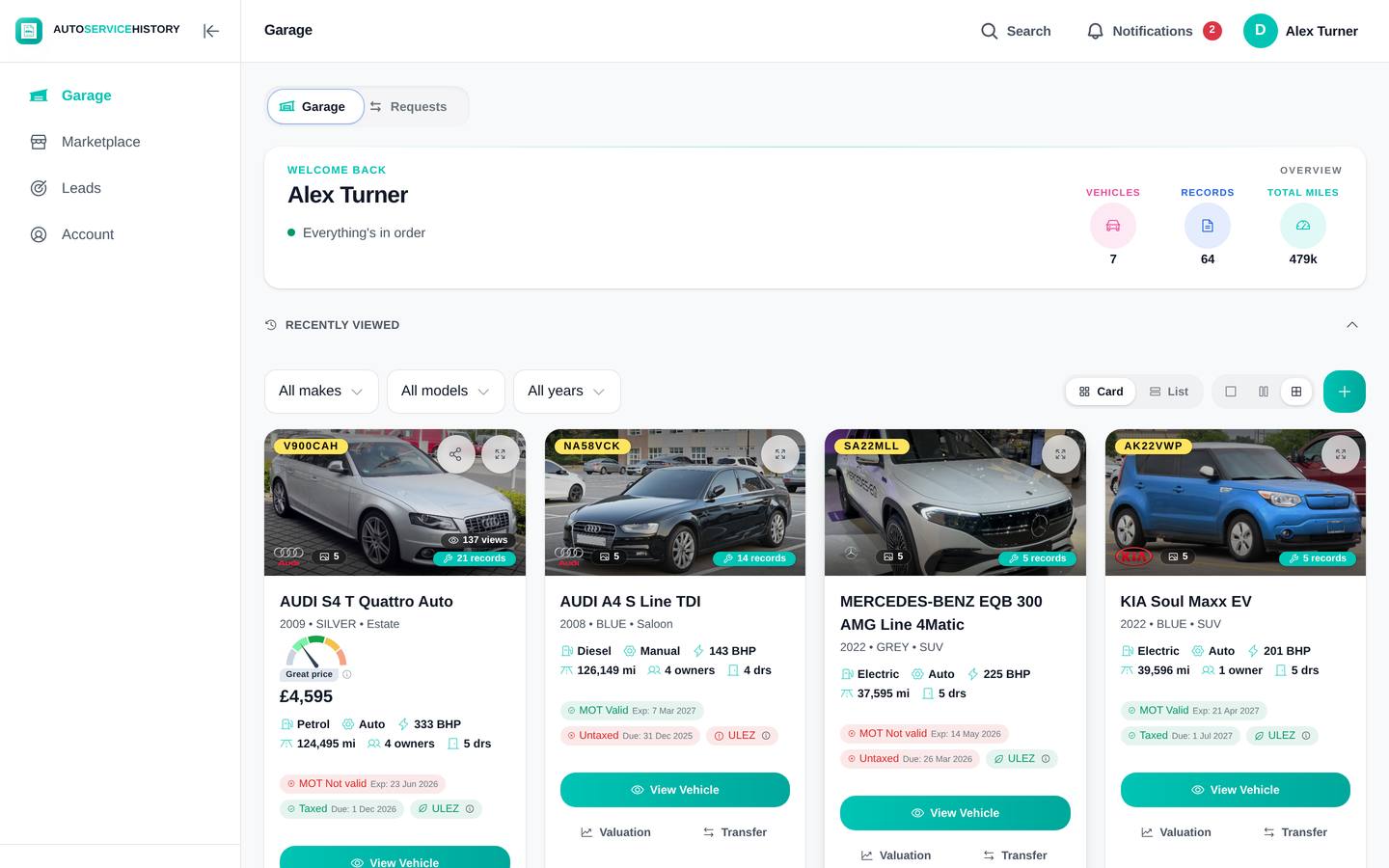
Checking properly means juggling a dealer printout, a folder of invoices and a tab of MOT results. AutoServiceHistory keeps them together and does some of the legwork:
- Photograph your receipts. The AI reads them and pulls out the dates, mileages and costs, grouped by year.
- Request the manufacturer’s records. You ask for them through the app, and they come back within hours.
- MOT and DVLA data come in automatically. The mileage check sits right beside the service entries.
- Share one link. A buyer opens it with no app or account, asks the built-in AI “is the cambelt done?” and gets an answer from the car’s actual record.
There’s more on how it works and on selling with it. The free plan has no time limit and needs no card, and you can see what’s included. If you’d like to try it on your own car, set up your car’s record.
The honest short version
- Digital service history is the record a franchised dealer logs against the VIN, plus any receipts you’ve digitised.
- Newer cars often have no stamped book, and that’s normal. What matters is whether there are gaps.
- Ask a franchised dealer for that make to print the record.
- Check it against the free MOT history on GOV.UK. The mileage should only go up.
- Back up big jobs like the cambelt, and any work done by independent garages, with invoices.
FAQ
What is digital service history? Digital service history is a car’s maintenance record stored electronically instead of stamped in a paper book. A franchised dealer logs the date, mileage and work on the manufacturer’s system against the VIN. Receipts that the owner has scanned also count as a digitised record.
How do I check a car’s digital service history? Ask a franchised dealer for that make to print the digital service record, quoting the VIN from the V5C. Then compare each service date and mileage with the free MOT history on GOV.UK.
Is it a problem if a car has no stamped service book? Not on its own. Many manufacturers no longer stamp books on newer cars. What matters is whether every service is recorded somewhere, either on the digital record or on invoices.
Why is some work missing from the digital record? Independent garages don’t always have access to the manufacturer’s system, so their services may not appear. Ask for the garage invoices to fill the gap.
Can I get a car’s service history from the manufacturer? Usually, yes. A franchised dealer for that make can print the digital record, although they’ll normally want to see the V5C. Ask whether they charge for it. AutoServiceHistory can also request the manufacturer’s records for you, and they come back within hours.